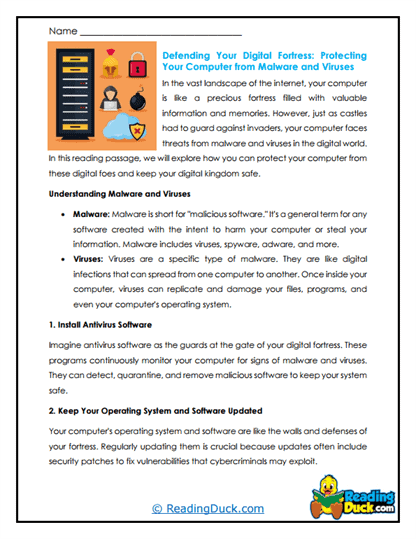
Imagine locking away your secrets with a digital fortress-where only you hold the key and dark forces lurk just beyond. That's cybersecurity, and it's all about keeping your digital world safe from hacking, scams, and cyber surprises. These worksheets break it down from the basics-what threats like viruses, phishing, and malware are, and how common sense tools like strong passwords, encryption, and two-factor authentication keep you protected. Before long, learners will feel empowered and smart, not scared or overwhelmed.
Why does cybersecurity matter now? Because nearly every aspect of life is online-school, games, emails, and even social hangouts-and with that comes risk. These lessons show how each click, password, or download can be a doorway or a trap, and how simple habits can make you your own cyber hero. They make the unseen threats feel real, relevant, and-most importantly-manageable.
What's more, students don't just learn to defend-they learn to think like digital detectives. Each worksheet includes clear lessons, real-life examples, and prompts to think critically: "What would you do if your account was hacked?" or "How would you warn a friend about a phishing email?" It's not just tech-it's teaching smart skepticism, digital responsibility, and confidence in today's connected world.
A Look At Each Cybersecurity Worksheet
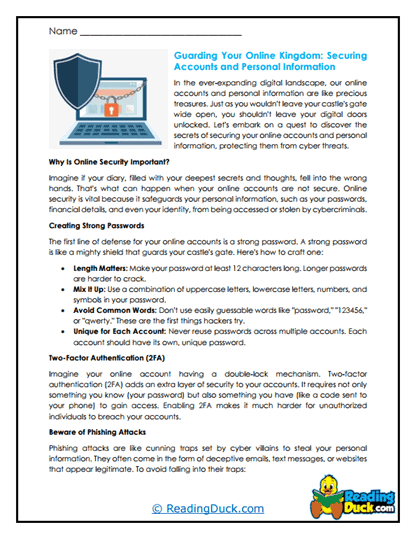
2FA Guardian
Students explore two-factor authentication-adding a second secret code (like a text or an app message) on top of passwords. It helps them see how a little extra effort can stop hackers cold. With fun analogies (two locks instead of one!), it feels powerful and practical. It ends with: "How would you convince a friend to use 2FA-to keep their digital stuff safe?"
Account Armor
This worksheet unpacks ways to fortify online accounts-strong, unique passwords, password managers, and recovery plans. Examples keep it approachable, not overwhelming. Students learn that defense starts with simple habits. It wraps up with: "What's your armor plan for keeping your accounts secure?"
Cyber Shield
Here, learners dive into broader protections-software updates, antivirus tools, and backup habits. It shows how layered defenses create digital shields, not just walls. It keeps the tone proactive and empowering. The closing ask: "What's one shield you'd add to your digital toolkit?"
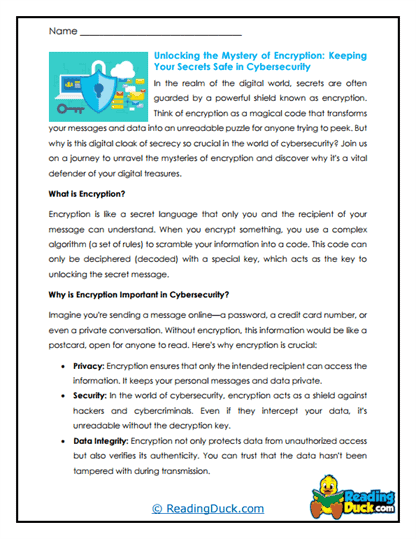
Encryption Enigma
Students discover how encryption scrambles data so only intended eyes can read it. It's made accessible with imagery like "secret codes" and "digital locks." It explains why encryption matters for messages, documents, and even vaults. Then prompts: "What secret would you lock away with encryption-and why?"
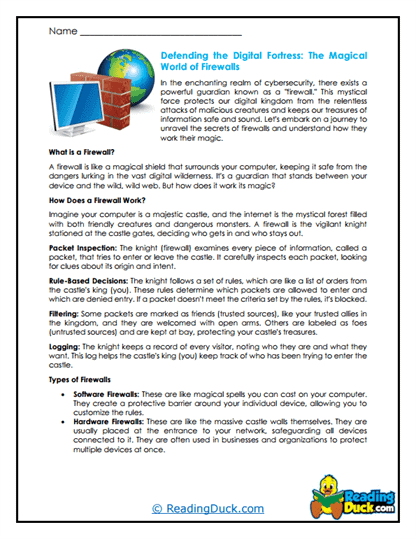
Firewall Fortress
This worksheet illustrates how firewalls block unwanted digital traffic-like guards at the gates. Students learn the difference between hardware and software firewalls with clear metaphors. It makes the concept feel sturdy and sensible. Final question: "If your device had a firewall, what would you guard it against?"
Password Puzzle
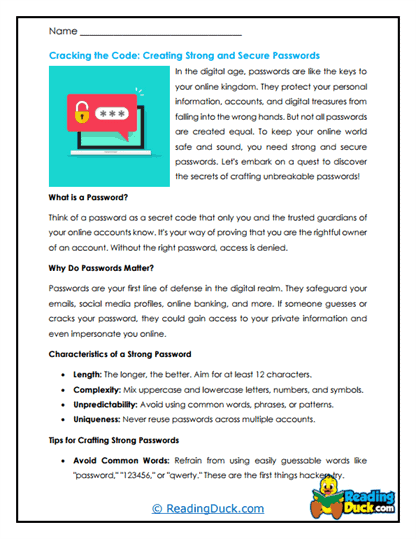
This one tackles the art of creating strong passwords-mixing length, characters, and unpredictability. Students try out examples and see what makes a password weak or strong. It's hands-on and clever, not lecture-y. It ends with: "What password rule would you invent-and how would you remember it?"
Phishing Alert
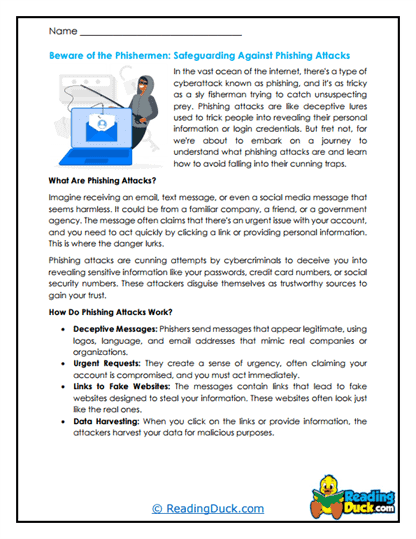
Here, students learn to spot phishing-trick emails, fake links, and misleading messages. Through mini-scenarios, they assess tone, sender details, and content red flags. Real talk makes awareness feel practical, not paranoid. They reflect with, "What red flag would have tipped you off in a phishing attempt?"
Ransomware Raid
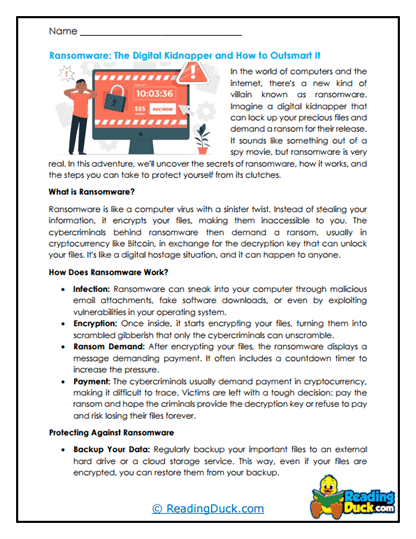
This worksheet explains ransomware as digital blackmail-files locked, demands made, with scary consequences. Students learn how to protect against it-backups, updates, safe browsing. It balances awareness with realistic calm. It ends with: "If you were hit by ransomware, what would be your first step?"
Threat Tracker
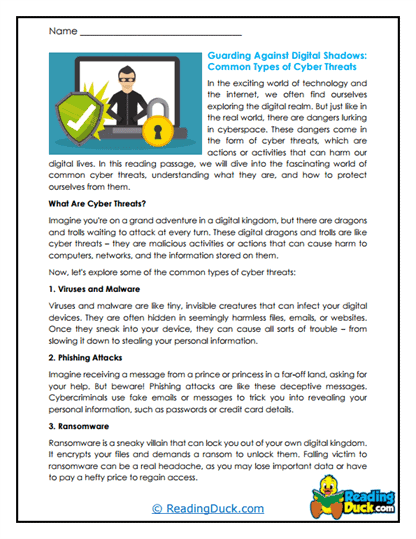
Students are introduced to how cybersecurity teams monitor threats-surfacing malware, analyzing logs, and running defenses. They see that staying safe means staying alert. The tone keeps them curious and engaged. Final prompt: "If you were tracking threats, what would you watch-and why?"
Virus Vault
This one explores how viruses spread and how quarantine tools isolate them-like putting a sick file in digital lockdown. Students learn how antivirus and scanning tools keep systems healthy. It uses clear examples and simple metaphors. Then they decide: "How would you design your own virus vault?"
VPN Vault
Learners get a look at how VPNs hide internet traffic-like sending letters through secret tunnels. It explains when and why you'd use one-public Wi-Fi, privacy, safe browsing. It balances hype with practicality. Students end with: "Where would you use a VPN-and to protect what?"
Wi-Fi Fortress
This worksheet focuses on securing home networks-strong router passwords, guest networks, and firmware updates. Students see how small settings can make a big difference. It's straightforward and hands-on. Closing question: "How would you fortify your house's Wi-Fi fortress?"
Cybersecurity: Locking Down the Digital World
What Is Cybersecurity?
Cybersecurity is the practice of protecting computers, networks, and data from digital attacks, which can steal information, disrupt service, or damage systems. It uses tools like firewalls, encryption, strong passwords, and safe practices to maintain confidentiality, integrity, and availability of information. Today, cybersecurity isn't just IT-it's critical citizenship in a connected world.
Why It Matters-Now More Than Ever
As more of life goes online-school portals, smart devices, social platforms-vulnerabilities increase. Cyber threats like ransomware, phishing, identity theft, and supply-chain attacks can affect anyone. Developing cybersecurity awareness helps students protect privacy, avoid scams, and build trust-skills essential for safe digital participation.
How Protection Works (In Plain Language)
Layers of defense keep threats at bay: passwords lock doors, two-factor authentication bolsters them, antivirus software sweeps rooms, firewalls guard windows, and backups are emergency escape hatches. Monitoring tools watch for odd activity, and updates patch weak spots. Collectively, these tools create a resilient security ecosystem-more than the sum of its parts.
Who's Guarding the Grid Today
Cybersecurity innovation comes from companies like CrowdStrike, Palo Alto Networks, and Norton-delivering enterprise-grade defenses for businesses and homes. Cloud providers like Microsoft, Amazon, and Google integrate security into their services. Government agencies, too, build cyber resilience, while startups pioneer AI-based threat detection and ethical hacking education.
Security Today, Safe Future Ahead
Threats evolve fast, but so do defenses-with AI-driven threat detection, zero-trust systems, quantum-resistant encryption, and cybersecurity education becoming more central in schools. Privacy laws, cyber hygiene training, and digital literacy initiatives are shaping a safer path. And as students build awareness now, they'll help secure tomorrow's digital spaces-protecting not just data, but trust.
Make sure to bookmark our website now.
Enjoy all our free reading worksheets.
Our materials adhere to the principles of the Science of Reading.